1
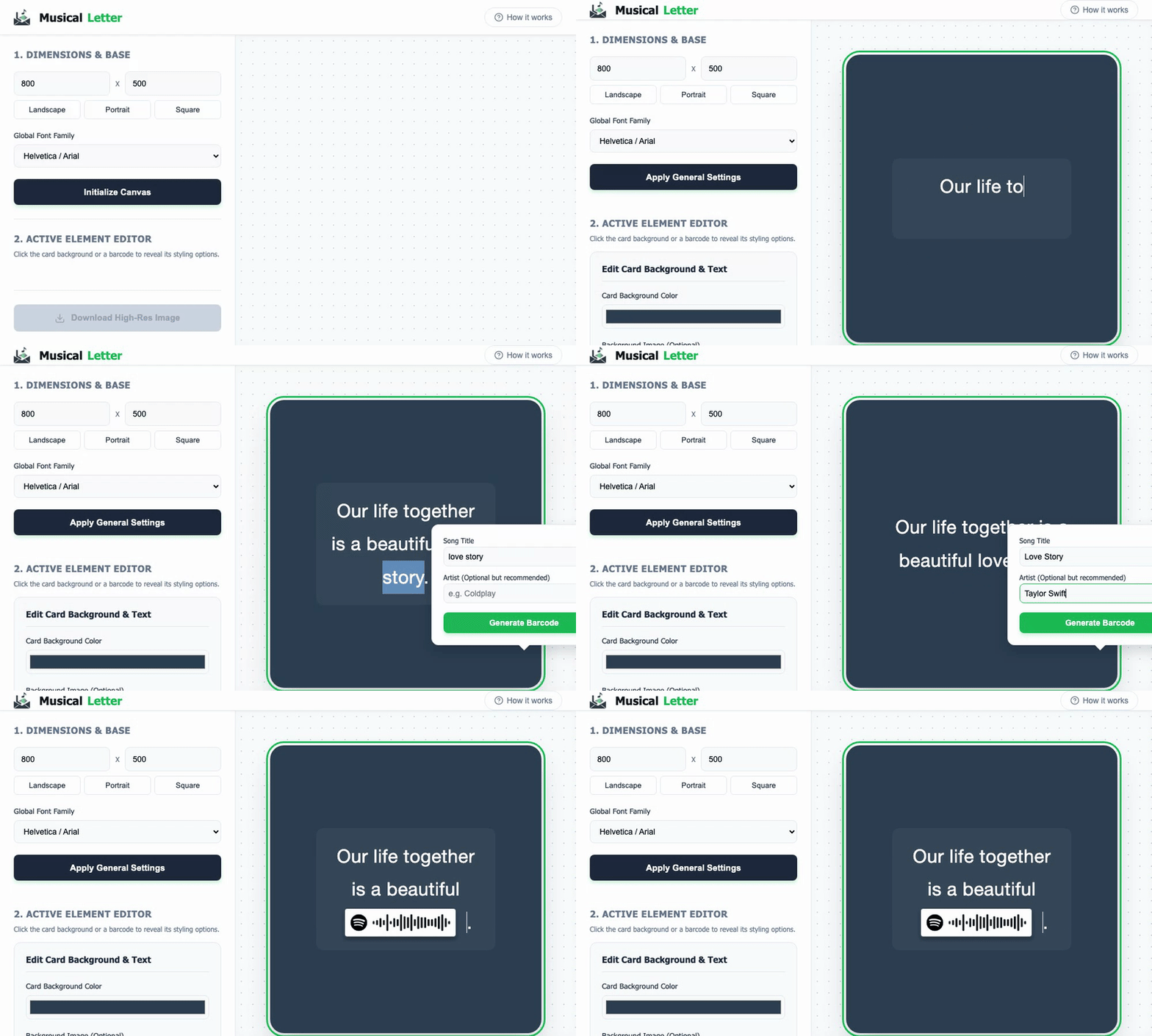
Set Dimensions: Choose width, height, and font, then click "Initialize Canvas".
2
Write Message: Click the dark preview card to start typing.
3
Add Music: Highlight any word, search a song, and click "Generate Barcode" to insert a Spotify link.
4
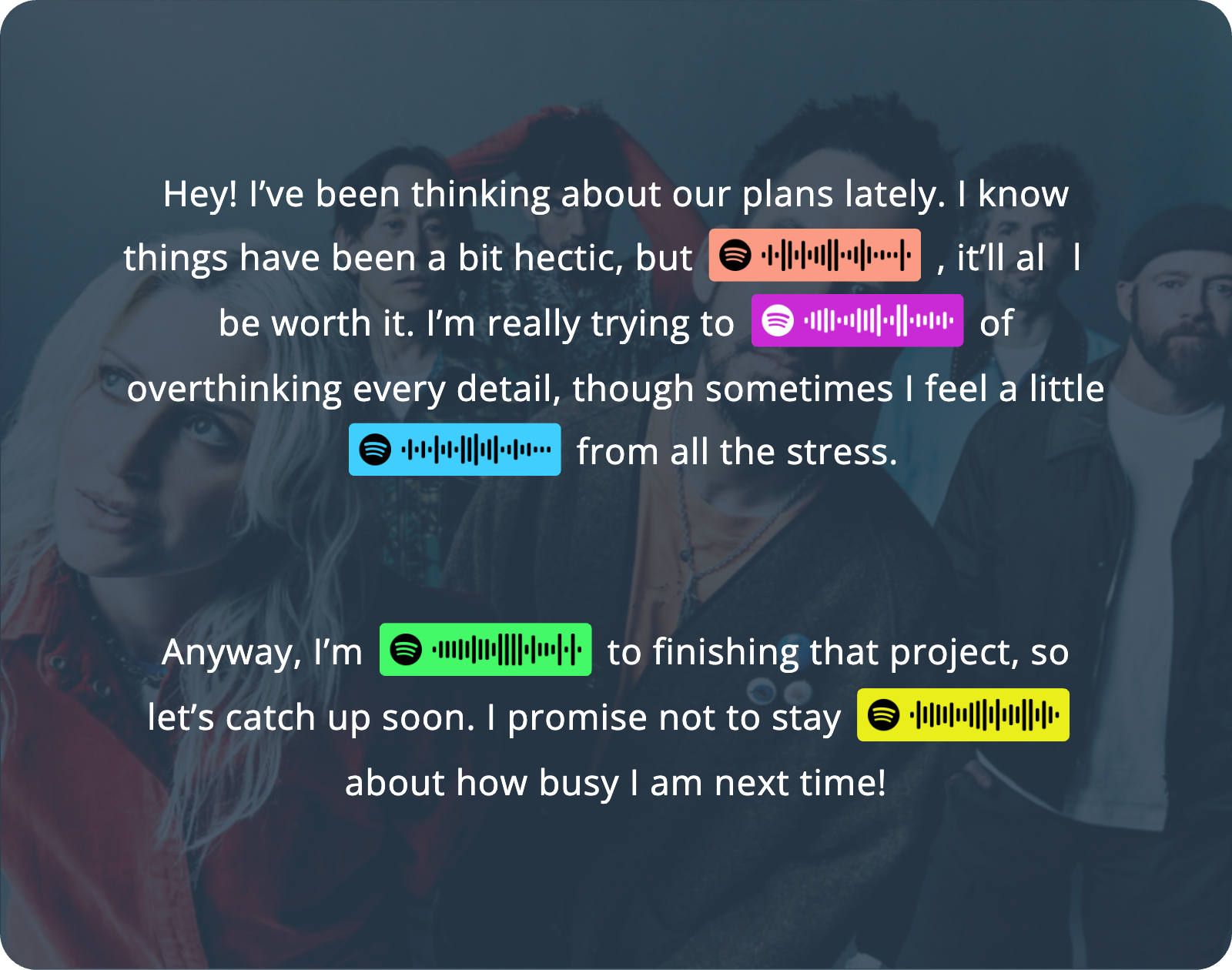
Style: Click the card background or any barcode to customize colors and add photos.
5
Export: Click "Download High-Res Image" to save your letter.
 MusicalLetter